
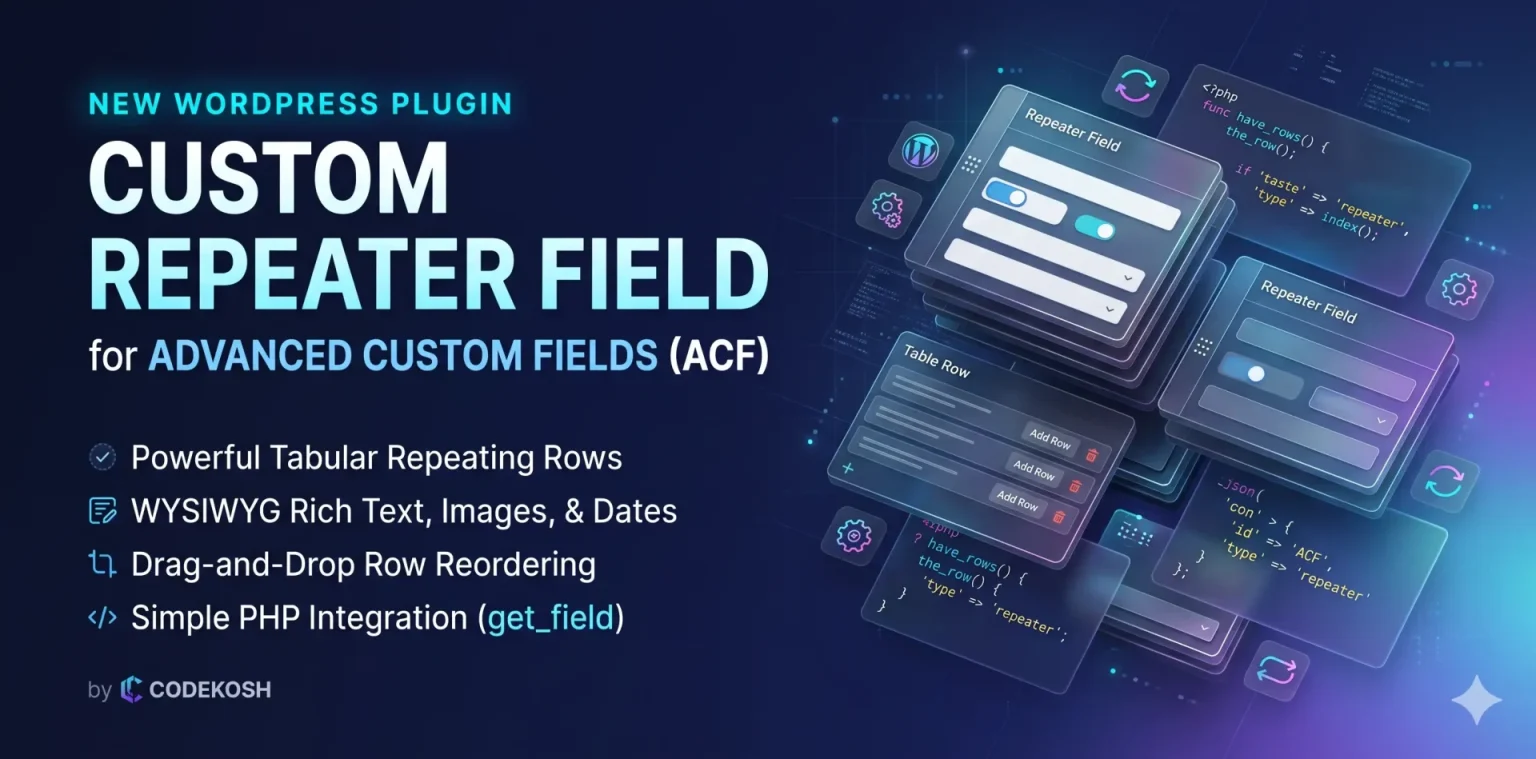
Introduction: The ACF Repeater Dilemma
Advanced Custom Fields (ACF) is one of the most trusted tools in the WordPress developer ecosystem. From portfolio showcases to event schedules and pricing tables, repetitive structured data is everywhere in modern web design.
However, standard ACF users hit a common roadblock: the official Repeater Field is strictly locked behind ACF Pro.
While ACF Pro is a fantastic product, many freelance developers, agencies, and small business owners building lean client sites find that purchasing an ongoing license for simple repeating tables is cost-prohibitive. Furthermore, many existing community add-ons are outdated, introduce database bloat, or break whenever WordPress releases a major core update.
To solve this problem, we built and released Codekosh Custom Repeater Field for Advanced Custom Fields—a 100% free, lightweight, and modern repeating field plugin published directly on the official WordPress.org plugin directory.
In this guide, we will explore:
- What the Codekosh Custom Repeater Field is.
- The core problems it solves.
- How to configure subfields using simple pipe-separated syntax.
- How to display repeating data on the frontend using PHP.
What is Codekosh Custom Repeater Field?
Codekosh Custom Repeater Field for Advanced Custom Fields is a lightweight extension that adds a new, fully functional Custom Repeater field type to your free version of ACF (compatible with ACF 5.8+ through WordPress 6.x and 7.x).
Instead of managing complex nested subfield interfaces, Codekosh allows you to configure your repeating columns using a clean, text-based syntax. Once defined, your authors and content managers get a slick, intuitive tabular interface with reordering, dynamic row creation, and rich media management.
Key Features at a Glance
- 100% Free & Open Source: Full repeating table functionality without requiring ACF Pro.
- WYSIWYG Rich Text Support: Add formatted descriptions, bullet lists, bold text, and links directly inside repeating rows without JavaScript breaking upon drag-and-drop.
- Drag-and-Drop Sorting: Smooth row reordering powered by WordPress core’s native jQuery UI Sortable library.
- Multiple Field Types Supported:
- Single-line Text (
text) - URLs & Links (
url) - Multi-line Textareas (
textarea) - WYSIWYG TinyMCE Rich Text (
wysiwyg) - WordPress Media Image Uploaders (
image) - HTML5 Date Pickers (
date)
- Single-line Text (
- Clean Database Architecture: Saves data in clean arrays, avoiding unnecessary database bloat or duplicate orphaned postmeta rows.
- Safe & WPCS Compliant: Fully sanitized inputs, strictly escaped outputs, and zero external CDN dependencies.
Step-by-Step Tutorial: Setting Up Your First Custom Repeater
Let’s walk through building an interactive “Team Members” section using the plugin.
Step 1: Install & Activate the Plugin
- Go to your WordPress Dashboard and navigate to Plugins > Add New Plugin.
- In the search box, type:
Codekosh Custom Repeater Field. - Click Install Now, then click Activate. (Note: Ensure you already have Advanced Custom Fields installed and activated).
Step 2: Configure the Field in ACF
- Go to ACF > Field Groups (or Custom Fields > Field Groups) and click Add Field Group.
- Add a title (e.g., Page Settings).
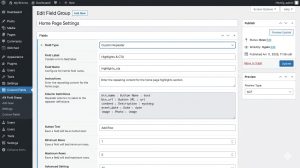
- Click + Add Field and choose the settings below:
- Field Type: Select
Custom Repeater(found under the Relational category). - Field Label:
Team Members - Field Name:
team_members - Button Text:
Add Team Member(Default:+ Add Row)
- Field Type: Select
Step 3: Define Your Columns
In the Column Definitions textarea, specify your subfields line by line using this clean pattern:
field_slug : Field Label : field_type
Example Configuration:
member_name : Full Name : text
role        : Job Title : text
bio         : Biography : wysiwyg
linkedin    : Profile URL : url
photo       : Profile Picture : image
start_date  : Joined Date : date
Save or update your Field Group.
Step 4: Add Repeating Rows in the Post Editor
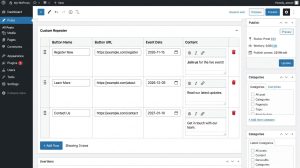
- Open any Post or Page where your Field Group is assigned.
- You will see a clean, organized table matching your defined columns.
- Click + Add Team Member to spawn new rows.
- Click the upload button to choose profile pictures via the native WordPress Media Library.
- Use the drag handles (
:::) on the left to reorder team members on the fly. - Click Update to save the post.
Frontend Integration: How to Display the Data in Your Theme
Because the plugin stores field data in standard array structures, retrieving and printing values using the familiar ACF get_field() function is fast and intuitive.
Add this code snippet to your theme template file (page.php, single.php, or your custom template part):
<?php
/**
* Display Codekosh Custom Repeater Field Data
*/
$team_members = get_field( 'team_members' );
if ( ! empty( $team_members ) && is_array( $team_members ) ) : ?>
<section class="team-grid">
<div class="container">
<h2 class="section-title">Meet Our Team</h2>
<div class="team-cards">
<?php foreach ( $team_members as $member ) :
// Safely extract subfield values
$name = ! empty( $member['member_name'] ) ? esc_html( $member['member_name'] ) : '';
$role = ! empty( $member['role'] ) ? esc_html( $member['role'] ) : '';
$linkedin = ! empty( $member['linkedin'] ) ? esc_url( $member['linkedin'] ) : '';
$bio = ! empty( $member['bio'] ) ? wp_kses_post( $member['bio'] ) : '';
$photo_id = ! empty( $member['photo'] ) ? absint( $member['photo'] ) : 0;
$start_date = ! empty( $member['start_date'] ) ? esc_html( $member['start_date'] ) : '';
?>
<article class="team-card">
<?php if ( $photo_id ) : ?>
<div class="team-avatar">
<?php echo wp_get_attachment_image( $photo_id, 'medium', false, [ 'class' => 'avatar-img' ] ); ?>
</div>
<?php endif; ?>
<div class="team-info">
<?php if ( $name ) : ?>
<h3 class="team-name"><?php echo $name; ?></h3>
<?php endif; ?>
<?php if ( $role ) : ?>
<p class="team-role"><?php echo $role; ?></p>
<?php endif; ?>
<?php if ( $bio ) : ?>
<div class="team-bio">
<?php echo $bio; ?>
</div>
<?php endif; ?>
<?php if ( $linkedin ) : ?>
<a href="<?php echo $linkedin; ?>" target="_blank" rel="noopener noreferrer" class="team-link">
Connect on LinkedIn →
</a>
<?php endif; ?>
</div>
</article>
<?php endforeach; ?>
</div>
</div>
</section>
<?php endif; ?>Why Choose Codekosh Custom Repeater Over Heavy Alternatives?
| Feature | Codekosh Custom Repeater | Traditional ACF Pro Repeater | Heavy Third-Party Addons |
| Cost | 100% Free (GPL v2+) | Paid Annual License | Mixed / Freemium |
| Setup Time | Under 2 minutes via text syntax | Requires manual nested field clicks | Complex multi-tab config |
| WYSIWYG Inside Rows | Full TinyMCE support included | Yes | Often breaks on drag |
| Media Uploader | Core WordPress Media Library modal | Yes | Custom buggy scripts |
| Performance | Zero external libraries or CDN calls | High | Often loads heavy CSS frameworks |
Conclusion & Next Steps
Dynamic repeating data is an essential part of professional WordPress theme development. With Codekosh Custom Repeater Field for Advanced Custom Fields, you no longer need to compromise between project budget and clean site architecture.
- Download the plugin on WordPress.org: Codekosh Custom Repeater Field
- Explore more tools & tutorials: Visit Codekosh Solutions
Have you tried using the Custom Repeater on your client sites? Drop your questions or feature requests in the comments below!